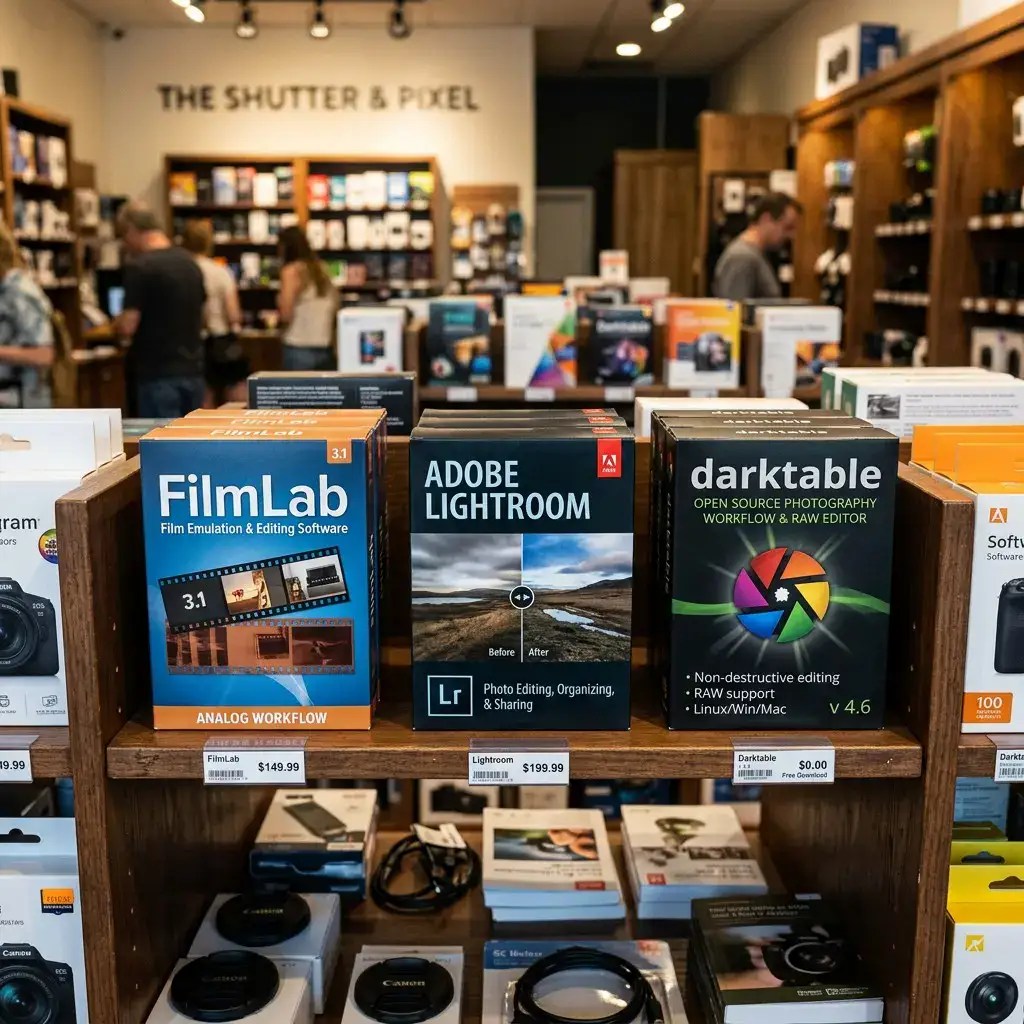
FilmLab Desktop is a standalone application (available for macOS, Windows, and Linux) designed specifically for camera-based film digitizing (DSLR or mirrorless camera scanning). Rather than functioning as a Lightroom plugin or relying on complex tone-curve inversion tricks,
FilmLab operates as an independent post-processing tool that converts camera RAW image files of film negatives directly into positive images. If you have followed all of my guidance on how to achieve optimum results when camera digitizing film, FilmLab Desktop will have no issues playing its part in turning them into archival masterpieces.
I have routinely used FilmLab since its inception, both in Windows and Linux, and now I wouldn’t be without it. It aligns perfectly with my policies, stated at the end of my home page, about suitability for all potential users’ budgets.
Core Features & Capabilities

- Standalone RAW Processing Engine: FilmLab ingests native RAW files directly from most major camera manufacturers (Sony, Canon, Nikon, Panasonic, Fujifilm) without requiring Lightroom, Photoshop, or intermediate conversion utilities.
- Darkroom-Inspired Color Processing: Instead of standard RGB sliders, FilmLab uses color science modeled after optical printing in a darkroom. Adjustments use color-subtractive filter sliders (Yellow, Magenta, Cyan) along with Exposure, Contrast, and Brightness controls.
- Input & Light Source Calibration: Recent updates allow users to select sensor profiles and backlight light-source profiles (e.g., standard LED light pads, high-CRI light sources like Negative Supply pads) to compensate for specific light-panel color spikes before conversion.
- Format Flexibility: Works seamlessly with 35mm, medium format (120/220), and large format negatives, as well as color negative film, black-and-white negatives, and color slide (transparency) film.
- Export Options: Converted positives can be exported as 8-bit JPEGs for quick sharing or as 8-bit/16-bit uncompressed TIFFs for further editing in external image editors.
How FilmLab Desktop Performs in Practice

1. Speed and Simplicity
The primary strength of FilmLab Desktop is its low barrier to entry and rapid workflow. Where traditional camera-scanning workflows often require converting images frame-by-frame inside Adobe Lightroom using paid plugins like Negative Lab Pro (NLP) or manually setting up complex, inverted tone curves, FilmLab detects the film frame and renders an accurate color positive almost instantaneously upon loading.
2. Color Accuracy & Base Fog Handling
For standard, well-exposed color negative films (e.g., Kodak Portra, Fuji Pro 400H, Gold 200), FilmLab delivers pleasing skin tones and balanced contrast out of the box. Its algorithms automatically analyze the orange film base mask and neutralize it smoothly. However, heavily expired film, film with dense base fog, or specialty stocks (such as LomoChrome Purple) can occasionally confuse the automatic conversion engine, requiring manual tweak of the filter sliders.
3. File Handling & Archival Output
Exporting to 16-bit TIFF retains significant dynamic range from the original camera RAW file, providing ample headroom for further local adjustments (like spot dust removal or dodging and burning) in programs like GIMP, Photoshop, or Darktable.
Pros & Cons Summary
| Advantages | Limitations |
| No Adobe Lock-in: Runs standalone on macOS, Windows, and Linux without requiring a Lightroom subscription. | Limited Retouching: Lacks localized editing tools (no dust spotter, gradient masks, or local brush adjustments). |
| Intuitive UI: Minimalist interface with analog darkroom-style CMY color sliders. | Less Granular Control: Power users seeking deep control over individual color channels or custom HSL curves may find it less flexible than Lightroom + NLP. |
| Fast Ingestion: Directly processes camera RAW files in batch. | Batch Automation Limits: Frame auto-cropping across large batches of slightly misaligned film strips can require manual fine-tuning. |
Final Verdict
FilmLab Desktop fills a crucial niche in the analog digitizing ecosystem. It is an ideal fit for photographers who use camera-scanning setups and want a straightforward, non-subscription standalone app to convert film negatives without taking on the complexity or cost of an Adobe software suite.
While extreme archivist setups or heavily damaged/expired film may still benefit from specialized editing suites or dedicated plugins, FilmLab Desktop remains one of the fastest, most accessible ways to get authentic analog colors out of camera-captured negatives.
Was This Post Helpful?
Building this free educational archive is a labor of love! If this post helped you solve your problem today, please leave a like below to let me know you enjoyed it. Your support helps keep this site 100% free and ad-free for the archiving community.

HOME
External Links
Here are two external resources that evaluate FilmLab Desktop directly alongside other film conversion options and competitors in the camera-scanning space:
- Phillip Waller – Choosing a Negative Inversion Software
- Focus: Compares standalone applications like FilmLab Desktop and SmartConvert directly against plugin solutions like Negative Lab Pro. It breaks down color accuracy, ease of use, workflow speed, and overall value for photographers looking to convert film without relying on an Adobe subscription.
- LightBox – Negative Lab Pro Alternatives for Mac & Windows
- Focus:Offers a detailed comparative breakdown across major standalone film conversion software (including FilmLab Desktop, SmartConvert, and LightBox) as well as non-standalone alternatives (Negative Lab Pro and Capture One).It evaluates key criteria including pricing models, cross-platform compatibility, batch processing, and non-destructive RAW editing.
I welcome comments and questions